- Home
- Free tools
- Watermark PDF Free
Add a Watermark to PDF Free
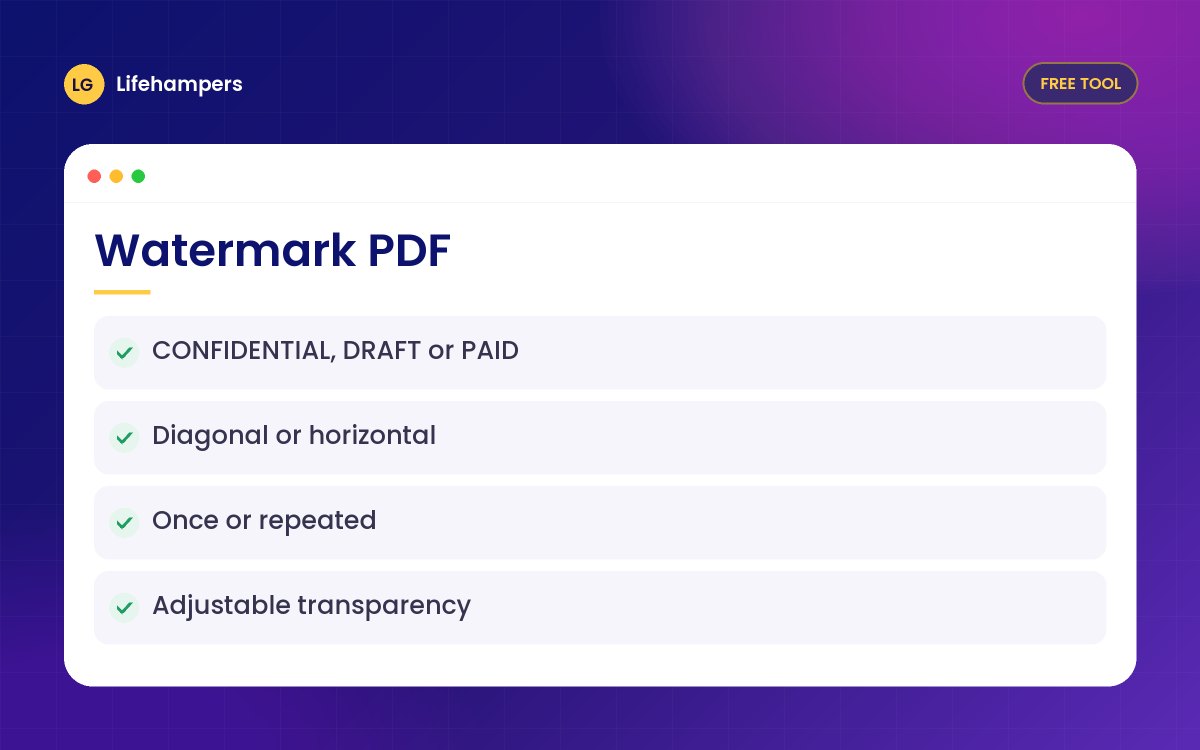
Stamp CONFIDENTIAL, DRAFT, PAID or your business name across every page of a PDF. Choose the colour, angle and transparency. Free and private.
Your files never leave your device. Everything is processed in your browser, so nothing is uploaded to our servers.
Drowning in paperwork? We build document and records systems for businesses.
More free business tools
Options
- Any text, such as DRAFT, COPY or your brand name
- Diagonal or horizontal
- Once across the centre, or repeated
- Five colours and adjustable transparency
- Applied to every page, including rotated ones
Private by design
Your PDF is opened and changed inside your own browser. Nothing is uploaded to our servers, so it is safe for invoices, contracts, CVs and personal documents.
When to use a watermark
Mark drafts before approval, label copies you send out, or brand quotations and price lists so they are not passed off as someone else's.
Questions people often ask
Straight answers to the questions we hear most often.
Is it really free?
Yes. There is no sign-up, no watermark and no page limit, for personal or business documents.
Are my files uploaded anywhere?
No. The PDF is processed entirely in your browser, so the file never leaves your phone or computer.
Can people remove the watermark?
A watermark discourages copying and shows a document's status, but anyone with editing software can work around it. Do not rely on it to protect very sensitive files.
Can I add my logo as a watermark?
This tool adds text. To add a logo, use Edit PDF and insert your logo image on the pages you need.
Can I use a password-protected PDF?
Not directly. Open the PDF with its password, save a copy without the password, then use that copy.
Want your brand on every document?
We design branded templates, letterheads and websites that make your business look established.