- Home
- Free tools
- Meta Title & Description Checker
Meta Title & Description Checker
See how your page will look in Google search on desktop and mobile. Check title and description length in pixels, spot text that will be cut off, and fix it before you publish.
Previews are approximate. Google decides how your page appears and may rewrite titles and descriptions, and no ranking is guaranteed. Everything runs in your browser and nothing you enter is stored by us.
Want every page optimised for Google and AI search?
More free business tools
What This Checker Does
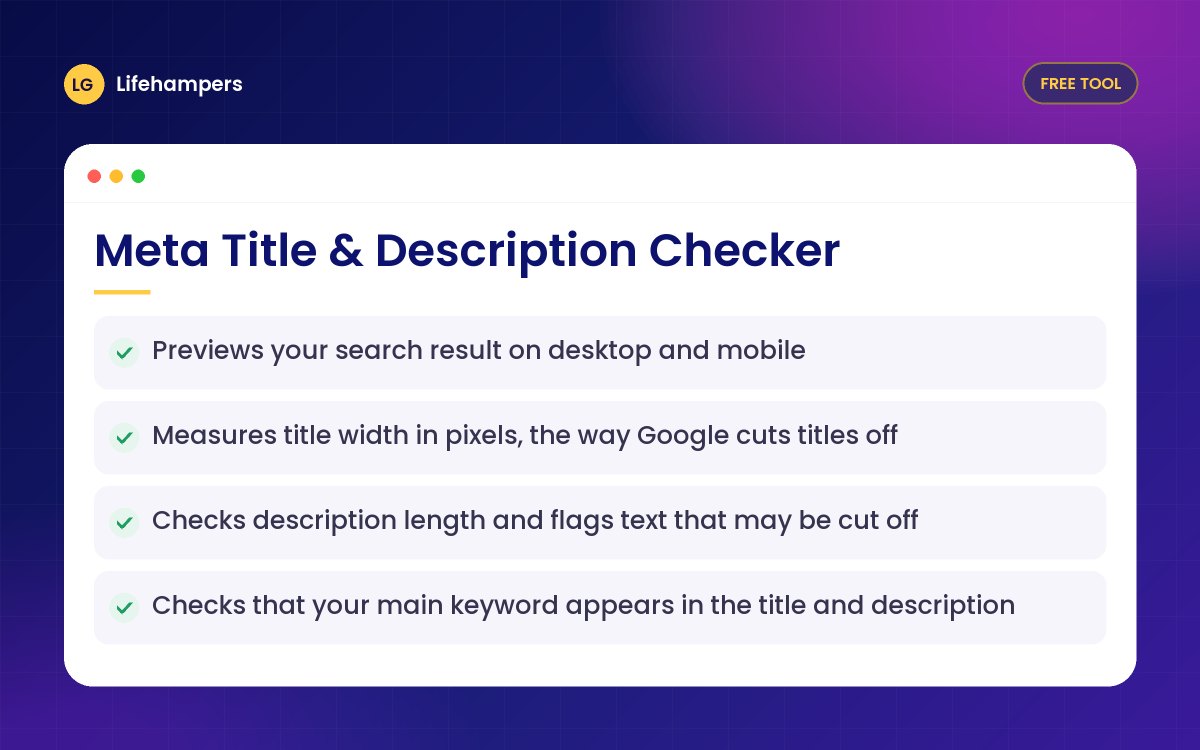
- Previews your search result on desktop and mobile
- Measures title width in pixels, the way Google cuts titles off
- Checks description length and flags text that may be cut off
- Checks that your main keyword appears in the title and description
- Flags all-caps titles and repeated words
- Updates instantly as you type
Writing a Title That Gets Clicks
Put the main keyword near the start, describe what the page offers, and end with your brand. Around 50 to 60 characters usually fits. Every page on your site should have its own title.
Writing a Description That Sells
Summarise the page in 120 to 155 characters, include the keyword naturally, and give a reason to click, such as a price, a result or a time frame. Google sometimes rewrites descriptions, but a good one is used far more often.
Questions people often ask
Straight answers to the questions we hear most often.
How long should a meta title be?
Google cuts titles at about 600 pixels on desktop, which is usually 50 to 60 characters. Wide letters such as W and M take more space, which is why this tool measures pixels.
How long should a meta description be?
Aim for 120 to 155 characters. Longer descriptions may be cut off, especially on mobile.
Why does Google show a different title or description?
Google may rewrite them when it thinks other text on the page matches the search better. Clear, accurate titles and descriptions that match the page content are rewritten less often.
Do meta descriptions affect rankings?
Not directly, but a compelling description raises click-through rate, which brings more visitors from the same ranking.
Does this help with AI search?
Clear titles and descriptions help AI tools understand what each page is about. Combine them with structured data and answer-first content for the best results.
Get Every Page Ready for Google and AI Search
Lifehampers audits and rewrites titles, descriptions, schema and content so your pages rank and get recommended.