- Home
- Free tools
- Add Page Numbers to PDF
Add Page Numbers to PDF Free
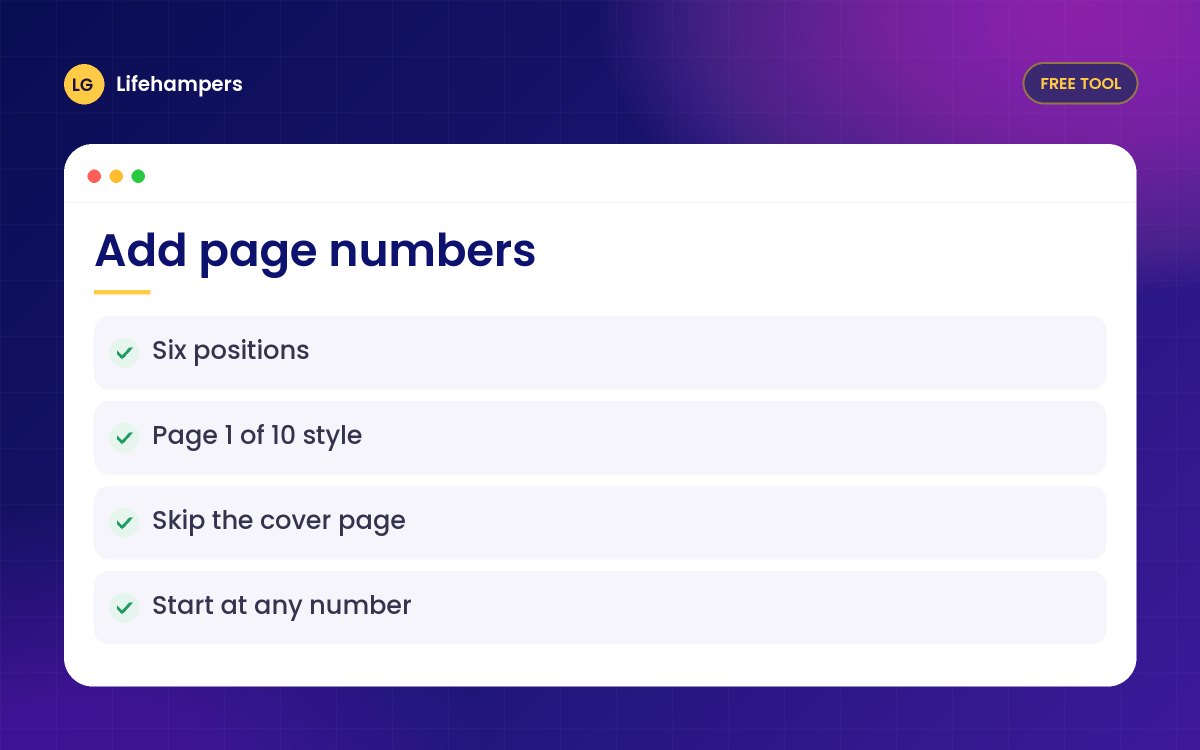
Number every page of a PDF in seconds. Choose the position and style, start from any number and skip the cover page. Free and private.
Your files never leave your device. Everything is processed in your browser, so nothing is uploaded to our servers.
Drowning in paperwork? We build document and records systems for businesses.
More free business tools
Options
- Six positions top or bottom, left, centre or right
- Styles like 1, Page 1 or Page 1 of 10
- Start from any number
- Skip the cover page
- Works on landscape and rotated pages
Private by design
Your PDF is opened and changed inside your own browser. Nothing is uploaded to our servers, so it is safe for invoices, contracts, CVs and personal documents.
Good for
Proposals, tender documents, reports, CVs, project write-ups and anything you will print or submit.
Questions people often ask
Straight answers to the questions we hear most often.
Is it really free?
Yes. There is no sign-up, no watermark and no page limit, for personal or business documents.
Are my files uploaded anywhere?
No. The PDF is processed entirely in your browser, so the file never leaves your phone or computer.
Can I leave the cover page without a number?
Yes. Choose Skip the first page. Numbering then starts on page 2 from the number you set.
Can I start numbering from a number other than 1?
Yes. Set Start at to any number, which is handy when your document continues another file.
Can I use a password-protected PDF?
Not directly. Open the PDF with its password, save a copy without the password, then use that copy.
Preparing tender or bid documents?
We help businesses get compliant and prepare the registrations and documents needed for contracts and tenders.