- Home
- Free tools
- Organize PDF Pages Free
Organize PDF Pages Free
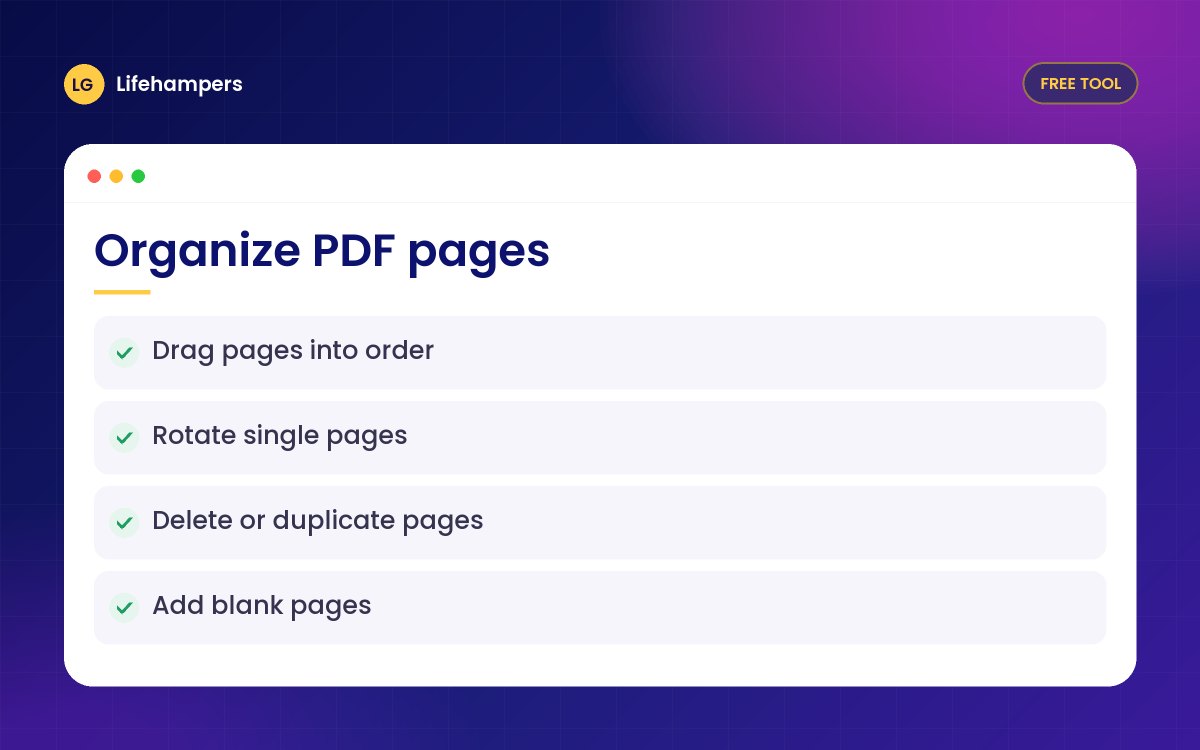
Reorder, rotate, delete, duplicate and add blank pages in a PDF with simple drag and drop. Free and private, because your file never leaves your device.
Your files never leave your device. Everything is processed in your browser, so nothing is uploaded to our servers.
Drowning in paperwork? We build document and records systems for businesses.
More free business tools
What you can do
- Drag and drop pages into a new order
- Rotate single pages left or right
- Delete the pages you do not need
- Duplicate pages or add blank ones
- Reverse the page order in one click
Private by design
Your PDF is opened and changed inside your own browser. Nothing is uploaded to our servers, so it is safe for invoices, contracts, CVs and personal documents.
Tip
To split one PDF into several files, use Split PDF. To join several PDFs, use Merge PDF first, then arrange the pages here.
Questions people often ask
Straight answers to the questions we hear most often.
Is it really free?
Yes. There is no sign-up, no watermark and no page limit, for personal or business documents.
Are my files uploaded anywhere?
No. The PDF is processed entirely in your browser, so the file never leaves your phone or computer.
Will the quality of my pages change?
No. Pages are copied as they are, so text, images and links keep their original quality.
Can I move pages on my phone?
Yes. Use the left and right arrows under each page to move it, since drag and drop is easiest on a computer.
Can I use a password-protected PDF?
Not directly. Open the PDF with its password, save a copy without the password, then use that copy.
Drowning in paperwork?
We build document and records systems for Nigerian businesses, so files are organised and easy to find.