- Home
- Free tools
- Edit PDF Online Free
Edit PDF Online Free
Add text, cover mistakes with white-out, highlight, draw, insert images and sign any PDF right in your browser. Free, no sign-up, and your file never leaves your device.
Your files never leave your device. Only edit documents you have the right to change. Altering certificates, receipts, IDs or other official documents to mislead anyone is illegal.
Drowning in paperwork? We build document and records systems for businesses.
More free business tools
What you can do
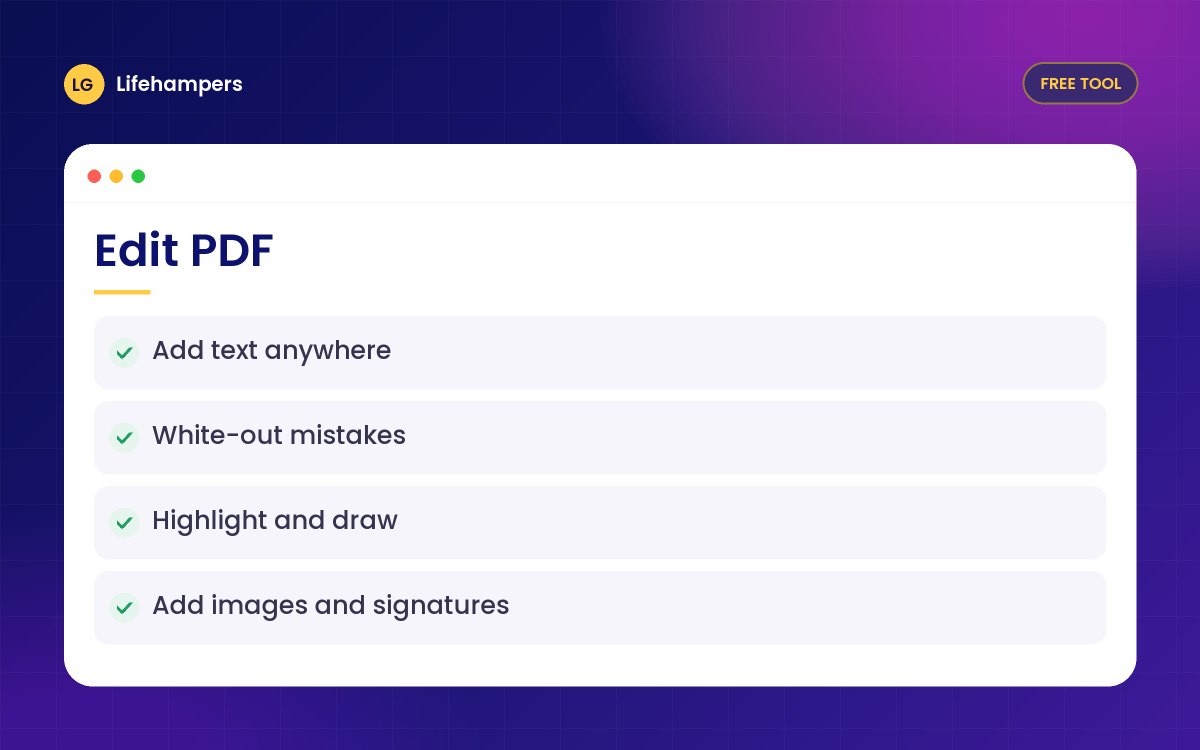
- Type new text anywhere, in any colour and size
- White-out old dates, prices or names
- Highlight lines and draw freehand notes
- Add your logo, a stamp or a photo
- Sign with a drawn, typed or uploaded signature
- Works on phones, tablets and computers
Private by design
Your PDF is opened and changed inside your own browser. Nothing is uploaded to our servers, so it is safe for invoices, contracts, CVs and personal documents.
Good to know
White-out covers content on the page. To remove sensitive text completely, print the edited file to PDF as well. Scanned PDFs are pictures, so you correct them by covering and typing over, not by changing the original words.
Questions people often ask
Straight answers to the questions we hear most often.
Is it really free?
Yes. There is no sign-up, no watermark and no page limit, for personal or business documents.
Are my files uploaded anywhere?
No. The PDF is processed entirely in your browser, so the file never leaves your phone or computer.
Can I change the existing text in my PDF?
You can cover existing text with white-out and type new text on top, which is how most quick corrections are made. Rewriting the original words needs the source Word or Excel file.
Can I type the Naira sign (₦)?
Yes. Text with symbols such as ₦ is added as a sharp image so it shows correctly in every PDF reader.
Does it work on my phone?
Yes. It works in Chrome, Safari and other modern browsers on Android and iPhone. Use the Draw tool with your finger.
Can I use a password-protected PDF?
Not directly. Open the PDF with its password, save a copy without the password, then use that copy.
Tired of fixing documents by hand?
We set up digital forms, templates and document workflows for Nigerian businesses, so invoices, receipts and contracts are produced automatically.